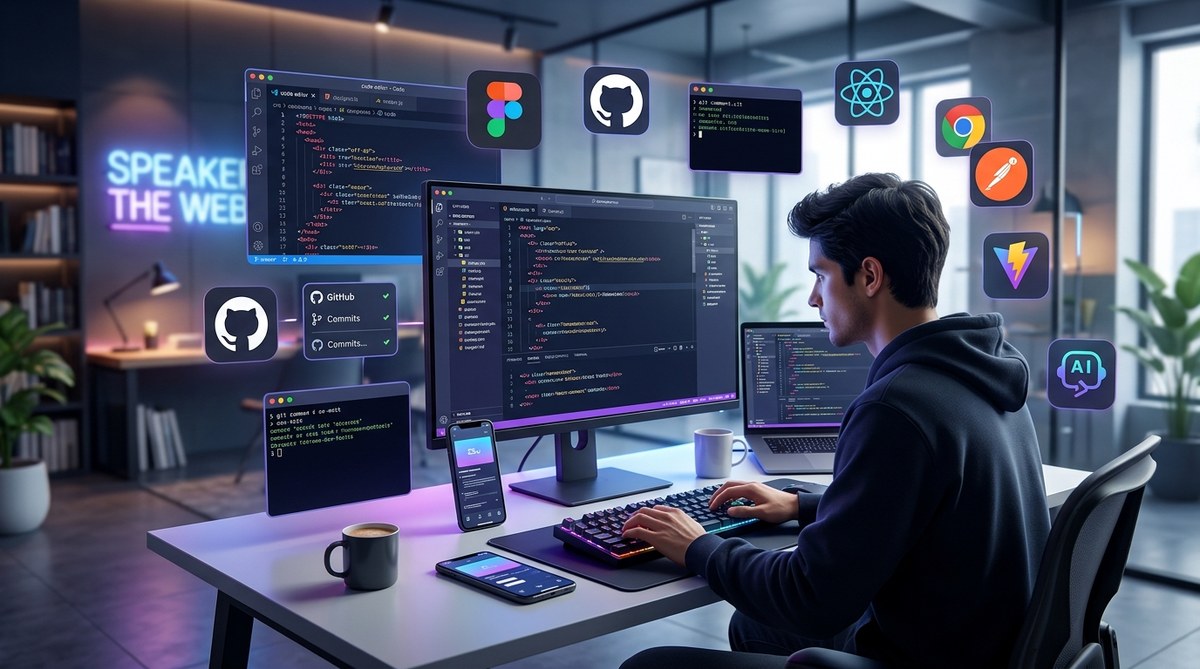
Web development in 2024 is a fast-paced field where staying current means using the right tools. With new technologies emerging and workflows evolving, having a solid set of web tools can make all the difference. Whether you are building a simple website or an enterprise-grade app, the right tools help you code faster, debug smarter, and collaborate effectively. Let’s look at the top 10 web tools every developer should consider adding to their toolkit this year.
In 2024, the best web development tools focus on boosting productivity, improving collaboration, and streamlining workflows. From code editors to deployment platforms, these top 10 tools will help you stay ahead in your projects and sharpen your skills.
The core tools shaping web development in 2024
1. Visual Studio Code
VS Code remains the go-to code editor for many developers. It’s lightweight, highly customizable, and packed with extensions for nearly every programming language and framework. Its integrated terminal, debugging features, and Git integration make it a powerhouse for rapid development. Its vibrant community constantly creates new plugins, making it easier to tailor the environment to your workflow.
2. GitHub
Version control is essential in modern web development. GitHub continues to be the platform of choice for hosting repositories, managing pull requests, and collaborating with teams. Its intuitive interface and integrated code review tools help teams stay aligned and avoid conflicts. Plus, the recent addition of GitHub Copilot offers AI-powered code suggestions that can speed up your coding process.
3. Chrome DevTools
Debugging, inspecting, and optimizing websites is made straightforward with Chrome DevTools. This browser-based toolset gives you real-time insights into your webpage’s layout, network activity, and performance. Features like Lighthouse audits help identify areas for improvement, making sure your sites load fast and perform well across devices.
4. Node.js
Backend development often relies on Node.js for server-side scripting. Its non-blocking architecture allows developers to build scalable, high-performance applications using JavaScript. With a vast ecosystem of packages via npm, Node.js is vital for modern web apps, APIs, and real-time services.
5. NPM
The Node package manager enables developers to easily integrate libraries and frameworks into their projects. NPM’s registry hosts millions of packages, making it simple to add functionalities like authentication, data visualization, or UI components. Keeping your dependencies organized ensures your projects stay maintainable and up to date.
6. Astro
Astro is gaining popularity for building fast, modern websites. Its component-based architecture supports multiple frameworks like React, Vue, and Svelte within a single project. Astro’s focus on static site generation and optimized loading speeds makes it ideal for content-heavy sites needing performance and scalability.
7. Insomnia
APIs are the backbone of many web applications. Insomnia is a powerful REST and GraphQL client that simplifies testing and debugging APIs. Its user-friendly interface and environment management features help you streamline your workflow when integrating third-party services or building APIs.
8. Netlify
Deployment and hosting are crucial parts of the development cycle. Netlify offers a seamless way to deploy static sites and serverless functions. Its continuous deployment, custom domains, and CDN integration make launching and managing websites straightforward, especially when combined with JAMstack architectures.
9. Playwright
Testing web applications thoroughly is vital. Playwright is an automation library that supports multiple browsers. Its capabilities include headless testing, capturing screenshots, and simulating real user interactions. Using Playwright helps ensure your app works flawlessly across different browsers and devices.
10. Figma
Design collaboration is easier than ever with Figma. This cloud-based design tool allows developers and designers to work together in real time. Sharing prototypes, gathering feedback, and creating design systems become more efficient, reducing the gap between design and development.
Practical steps to incorporate these tools
- Set up your development environment with Visual Studio Code, customizing it with extensions suited to your tech stack.
- Use GitHub to host your code, manage branches, and collaborate effectively, integrating it with your local Git setup.
- Debug your websites using Chrome DevTools, inspecting elements and monitoring network requests as you build.
- Build backend services with Node.js, leveraging npm to add necessary packages for database access, authentication, or real-time features.
- Test your APIs with Insomnia, ensuring endpoints behave correctly before integration.
- Deploy your projects on Netlify, setting up automated deployments from your GitHub repositories.
- Write comprehensive tests with Playwright to cover different browsers, improving your app’s reliability.
- Collaborate on design and prototypes using Figma, sharing feedback and making adjustments in real time.
Techniques and pitfalls to watch for
| Techniques | Common mistakes |
|---|---|
| Using extensions to tailor VS Code for your workflow | Overloading your IDE with unnecessary plugins |
| Regularly updating dependencies to avoid security issues | Ignoring compatibility issues after updates |
| Inspections in Chrome DevTools to identify performance bottlenecks | Overlooking network requests or slow load times |
| Leveraging npm scripts for automating tasks | Manually managing build steps, leading to errors |
| Automating tests with Playwright for different browsers | Running tests on only one browser, missing cross-browser issues |
| Collaborating on Figma to prevent design inconsistencies | Working in silos, leading to disconnects between design and code |
“Choosing the right tools makes a difference. Focus on a core set that boosts your productivity and fits your workflow.” — Tech Lead Jane Smith
Keeping your skills sharp with the latest tools
Staying updated is key in web development. These tools are shaping how developers build, test, and deploy websites in 2024. Incorporate them into your daily routine to work smarter. Whether you are a solo developer or part of a team, mastering these resources will help you deliver better projects faster.
A final word on growing your development toolkit
Adding new tools might seem overwhelming at first. Start with one or two that address your immediate needs. Experiment, learn from tutorials, and participate in developer communities. As you grow more comfortable, expand your toolkit to include others from this list. Your ability to adapt and leverage these tools will determine your success in the fast-changing world of web development.
Remember, the key is to stay curious and keep refining your workflow. With the right set of tools, 2024 can be your most productive year yet.