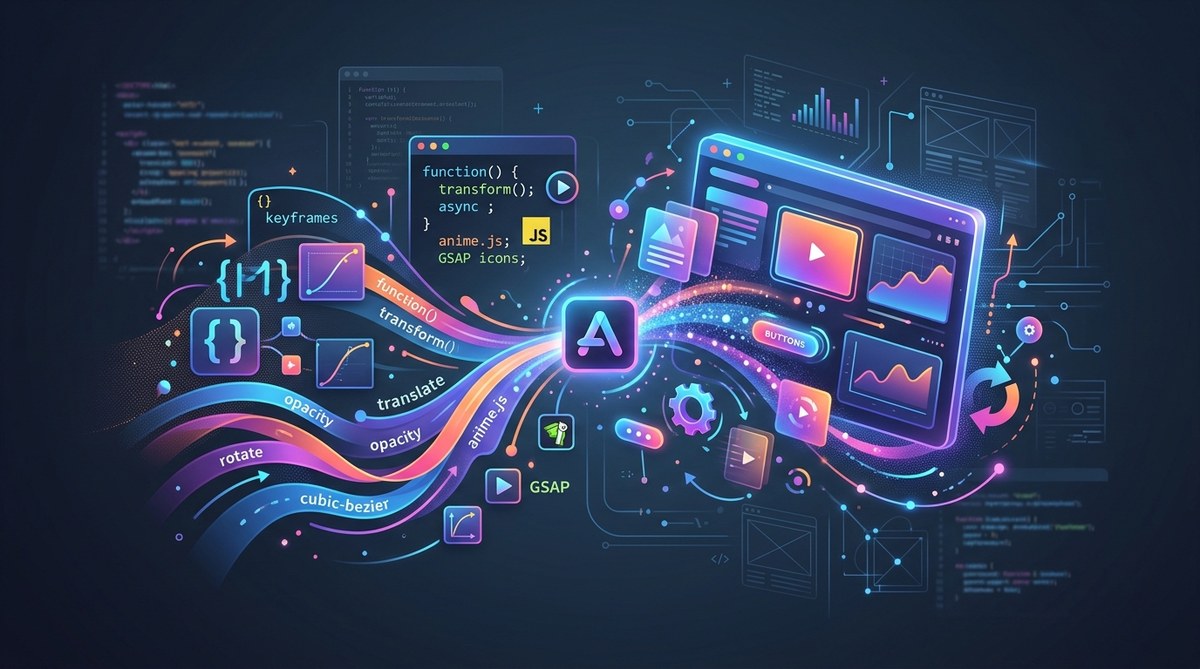
Web animations can truly transform the way users experience your website. They add flair, guide attention, and make interfaces feel more alive. Whether you’re enhancing buttons, creating smooth scroll effects, or designing micro-interactions, understanding modern animation techniques with CSS and JavaScript is essential. In this guide, you’ll discover practical methods, common pitfalls, and innovative trends to elevate your web projects.
Mastering web animations involves combining CSS for simple effects and JavaScript for complex interactions. Use performance-friendly techniques and stay updated with new APIs to create engaging, smooth experiences that delight users and improve site usability.
Understanding the foundations of web animations
Web animations serve two main purposes: improving user interaction and making sites visually appealing. They can be as simple as hover effects or as complex as animated SVG sequences. Knowing the core tools is the first step.
CSS animations are fantastic for straightforward effects like transitions, keyframes, and transforms. They are easy to implement and perform well because browsers optimize CSS rendering. JavaScript, on the other hand, unlocks more intricate animations and interactions. It allows you to manipulate DOM elements dynamically and synchronize animations with user actions.
Both techniques can work together for a seamless experience. For example, CSS can handle hover states, while JavaScript manages scroll-based animations or gesture controls.
Practical steps to create web animations with CSS and JavaScript
-
Plan your animation
Identify what you want to animate, how it should behave, and when it should trigger. Sketching or wireframing helps visualize effects. -
Use CSS for basic effects
Start with CSS transitions and keyframes for simple animations like button hover effects or loading spinners. They are lightweight and easy to tweak. -
Incorporate JavaScript for complex or interactive animations
JavaScript enables real-time control, chaining effects, or responding to user input. Libraries like GSAP or Anime.js simplify creating sophisticated animations without much fuss.
Here’s a step-by-step process to implement web animations effectively:
- Define your target elements in HTML.
- Style them with CSS, including initial states.
- Use CSS transitions for quick hover effects.
- For more elaborate sequences, set up keyframes.
- Add JavaScript to trigger animations based on scroll, clicks, or gestures.
- Optimize for performance by limiting reflows and repaints.
- Test across browsers and devices to ensure smoothness.
- Use browser DevTools to fine-tune timing and easing functions.
- Keep accessibility in mind—avoid distracting or flashing effects.
- Document your code for future updates.
Techniques and mistakes at a glance
| Technique | What it does | Common mistake |
|---|---|---|
| CSS transitions | Smooth state changes | Overusing for complex sequences |
| CSS keyframes | Create multi-step animations | Not optimizing timing functions |
| requestAnimationFrame | Frame-by-frame JavaScript animations | Forgetting to cancel frames or causing jank |
| Web Animations API | Programmatic control over animations | Limited browser support in some cases |
| GSAP or Anime.js | Simplify complex animations | Overloading with too many effects |
Expert tip: Keep animations subtle and purposeful. Excessive motion can overwhelm users or cause performance issues. Use the prefers-reduced-motion media query to respect user preferences.
Enhancing animations with modern web APIs
The Web Animations API (WAAPI) has revolutionized how developers script animations. It offers a unified interface for creating, controlling, and synchronizing effects with JavaScript. This API improves performance and flexibility, allowing you to animate DOM properties smoothly.
For example, instead of manually setting CSS classes, you can animate an element directly:
element.animate([
  { transform: 'translateY(0)', opacity: 1 },
  { transform: 'translateY(-20px)', opacity: 0.5 }
], {
  duration: 500,
  easing: 'ease-in-out'
});
This approach provides more control and can be combined with event listeners for interactive effects. However, always check browser compatibility and fallbacks for older browsers.
Common pitfalls and how to avoid them
| Mistake | Why it hurts | How to fix it |
|---|---|---|
| Overloading animations | Causes jank and delays | Limit concurrent effects and optimize timing |
| Ignoring performance | Leads to sluggish experiences | Use hardware-accelerated CSS properties like transform and opacity |
| Not respecting user preferences | Can cause accessibility issues | Use media queries to disable or reduce motion |
| Using outdated libraries | Security and support concerns | Keep libraries updated and test regularly |
| Overusing animations | Overwhelms users | Use sparingly and purposefully |
Trends shaping the future of web animations
The landscape of web animations continues to evolve. Some of the latest trends include:
- Scroll-linked animations: Sync effects with scroll position for immersive storytelling.
- SVG animations: Animate vector graphics for scalable, crisp visuals.
- SVG SMIL deprecation: Transitioning to CSS and JavaScript for SVG animations.
- Motion design systems: Standardized animation patterns for consistency.
- Performance-focused techniques: Prioritizing smoothness and low resource usage.
- Accessibility inclusion: Designing animations that respect user preferences and disabilities.
Staying updated with these trends ensures your work remains modern and user-friendly.
Practical tips for building engaging animations
- Use easing functions like ease-in-out to make movements natural.
- Limit the number of concurrent animations to avoid overwhelming the browser.
- Test on multiple devices to ensure performance.
- Combine CSS for simple effects and JavaScript for interactions.
- Animate properties that are GPU-friendly, such as transform and opacity.
- Keep animations short and purposeful.
- Use delays and sequencing to create rhythm.
- Leverage CSS variables for dynamic effects.
- Respect user preferences with media queries.
- Document your code for easy maintenance.
Wrapping up with a balanced approach
Web animations with CSS and JavaScript unlock a new level of engagement and visual appeal. They help guide users, highlight features, and make interfaces feel modern. The key is to blend simple CSS effects with JavaScript-driven interactivity. Always keep performance, accessibility, and user experience in focus.
By mastering these techniques and staying aware of current trends, you can craft websites that are both beautiful and functional. Start small, test thoroughly, and expand your animation toolkit as you go. Your users will thank you for making their experience memorable.
Keep animating with intention and style
Applying thoughtful animations enhances your site’s usability and aesthetic appeal. Remember, the goal is to create delightful interactions without distracting or overwhelming users. Keep practicing, stay curious about new APIs, and combine techniques creatively. Your next project can become a showcase of modern web animation mastery.