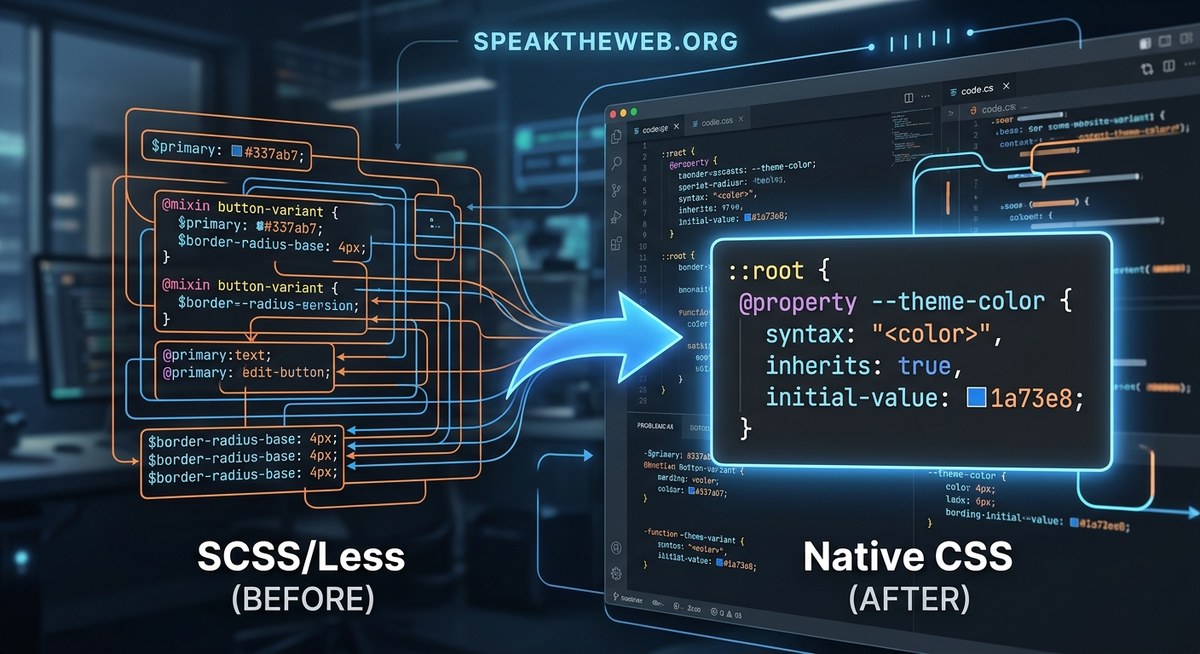
If you have spent any time writing Sass or Less, you know the feeling. You define a variable, use it in a mixin, and then run a build step to turn it into standard CSS. It works, but it adds complexity to your toolchain. The new CSS @property rule in 2026 aims to change that by bringing native custom property definitions directly into the browser.
The CSS @property rule lets you define custom properties with type checking, default values, and inheritance rules directly in native CSS. This feature can replace many preprocessor functions like variable assignment, color manipulation, and even some mixin patterns, potentially removing your dependency on tools like Sass or Less for good.
What Makes the @property Rule Different
Preprocessors have been a crutch for years. They gave us variables, nesting, and functions before CSS had them. But every crutch has a cost. You need a build system, a config file, and a mental model that splits your source code from what the browser actually runs.
The CSS @property rule changes the game by letting you declare custom properties with explicit types. You can define a property called --brand-color, tell the browser it should be a color, and even set a fallback value. No preprocessor needed.
Here is how a basic declaration looks in 2026:
@property --brand-color {
  syntax: <color>;
  inherits: true;
  initial-value: #0066cc;
}
This tells the browser that --brand-color is a color property. It inherits by default, and if nothing sets it, the value is #0066cc. This is native. It runs in every modern browser without a build step.
How It Reduces Preprocessor Dependencies
Let us look at the specific ways the @property rule can replace what you used Sass or Less for.
1. Variable Declarations and Type Safety
Sass variables like $primary-color: #0066cc; are simple. But they have no type safety. You can accidentally assign a number to a color variable, and the preprocessor will not warn you until you see a weird output.
With @property, you get built-in type checking. The syntax descriptor defines what kind of value is allowed. Options include <color>, <length>, <number>, <string>, and more. If you try to assign a string to a <color> property, the browser ignores the invalid value and falls back to the initial value.
This catches errors earlier, similar to how a type system in a language like TypeScript helps you avoid bugs.
2. No More Build Step for Variables
When you use Sass, every change to a variable requires a recompile. With the @property rule, you write CSS and the browser handles the rest. This saves time during development and simplifies your deployment pipeline.
Think about the last time you had to debug a Sass compilation error because a variable was undefined. Those errors disappear when the browser manages the property lifecycle.
3. Reusable Property Definitions Across Projects
In Sass, you might share variables through a framework like Bootstrap or a custom _variables.scss file. With @property, you can define a property once and import it using @import or link to a shared stylesheet. The property definitions are just CSS. They work everywhere.
A Practical Walkthrough: Converting a Sass Project
Let us walk through converting a small Sass file to use the @property rule. This will show you exactly what changes.
Assume you have this Sass code:
$primary-color: #0066cc;
$spacing-unit: 8px;

.button {
  background-color: $primary-color;
  padding: $spacing-unit * 2;
}
Here is the equivalent using the CSS @property rule:
@property --primary-color {
  syntax: <color>;
  inherits: true;
  initial-value: #0066cc;
}

@property --spacing-unit {
  syntax: <length>;
  inherits: true;
  initial-value: 8px;
}

.button {
  background-color: var(--primary-color);
  padding: calc(var(--spacing-unit) * 2);
}
The calc() function handles the math. The browser resolves the custom properties at runtime. No build step required.
Common Mistakes and How to Avoid Them
When switching from preprocessors to native CSS properties, there are a few traps. Here is a table that outlines the most common mistakes and their fixes.
| Mistake | Why It Happens | How to Fix It |
|---|---|---|
Using @property without a syntax descriptor |
The browser cannot validate the value, so it ignores the declaration. | Always include a syntax descriptor like <color> or <length>. |
Expecting var() to work like a Sass variable inside selectors |
var() only works as a value, not as a selector name. |
Use CSS custom properties for values only. For dynamic selectors, consider using CSS nesting or @scope. |
Forgetting to set inherits: true for global properties |
The property will not cascade to child elements. | Set inherits: true if you want the property to work like a typical CSS custom property. |
Trying to use @property inside a media query |
@property rules must be at the top level of your stylesheet. |
Define the property outside the media query, then override its value inside the query. |
When You Still Might Need a Preprocessor
The @property rule is powerful, but it does not replace every preprocessor feature. Here are some cases where you might still want Sass or Less in 2026.
- Complex loops and conditionals. Preprocessors can generate large blocks of repetitive CSS. If you need to generate 20 grid columns with different widths, a loop in Sass is still easier than writing each column manually.
- Mathematical functions beyond basic arithmetic. While
calc()covers many cases, Sass has built-in functions likedarken(),lighten(), andrgba()that are not yet available in native CSS. (Though the newlight-dark()function is changing that.) - File organization and partials. Preprocessors let you split your CSS into many files and combine them. CSS
@importis catching up, but some teams prefer the preprocessor approach for now.
If your project relies heavily on these features, you might keep a preprocessor for those parts and use @property for the rest. A hybrid approach is completely valid.
A Step-by-Step Plan to Reduce Preprocessor Use
If you are ready to cut down on your preprocessor dependencies, follow this process.
- Audit your current variables. List every Sass variable in your project. Group them by type: colors, lengths, strings, numbers.
- Replace simple variables first. Start with color and length variables. Define them using
@propertywith the correctsyntaxdescriptor. - Update your selectors. Change
$variabletovar(--variable). Usecalc()where you had arithmetic. - Test in modern browsers. The
@propertyrule is supported in all major browsers as of 2026. Test your changes in Chrome, Firefox, Safari, and Edge. - Remove the preprocessor for those files. Once you have converted a file, remove the
.scssor.lessextension and serve the.cssfile directly. - Repeat for more complex patterns. Gradually convert mixins and functions as you find native CSS equivalents.
What the Community Is Saying
Many front-end developers are excited about this shift. Here is a thought from a lead engineer at a major design tool company.
“The
@propertyrule is one of the most significant additions to CSS in years. It removes the need for a separate language to manage design tokens. For the first time, we can define a color palette in pure CSS and share it across teams without a build step.”
This sentiment is common among developers who have already started using the rule in production. The reduction in tooling complexity is a big win for teams of all sizes.
Comparing @property to Preprocessor Variables
To make the difference clear, here is a bulleted list of key contrasts.
- Build step. Preprocessors require a compiler.
@propertyis native and requires no build step. - Type safety. Preprocessors have no type checking.
@propertyvalidates values against thesyntaxdescriptor. - Inheritance. Preprocessors use scope.
@propertyuses explicit inheritance rules. - Fallback values. Preprocessors rely on the compiler to handle undefined variables.
@propertyusesinitial-valuefor fallbacks. - Debugging. Preprocessor errors appear during compilation.
@propertyerrors appear in the browser’s developer tools.
Real-World Example: Theming with @property
One of the best use cases for the @property rule is theming. Imagine you have a light theme and a dark theme. With Sass, you might use a mixin or a set of variables that you override. With @property, you can define the theme properties once and switch them with a media query or a class.
@property --bg-color {
  syntax: <color>;
  inherits: true;
  initial-value: #ffffff;
}

@property --text-color {
  syntax: <color>;
  inherits: true;
  initial-value: #222222;
}

@media (prefers-color-scheme: dark) {
  :root {
    --bg-color: #1a1a1a;
    --text-color: #e0e0e0;
  }
}

body {
  background-color: var(--bg-color);
  color: var(--text-color);
}
This approach works without a preprocessor. It is clean, readable, and maintainable.
The Future of Preprocessors in a Post-@property World
Preprocessors will not disappear overnight. They have been part of the web development workflow for over a decade. But the CSS @property rule in 2026 marks a turning point. For the first time, you can define typed, inheritable custom properties natively.
If you are starting a new project today, consider skipping the preprocessor setup. Use @property for your variables and calc() for your math. You will have fewer dependencies, faster build times, and a simpler mental model.
For existing projects, start small. Convert one module at a time. You might find that you enjoy writing pure CSS more than you expected.
Moving Forward Without the Extra Weight
The CSS @property rule is not just a new feature. It is a signal that the language is maturing. The things we once needed tools for are becoming part of the spec. This means less time configuring build tools and more time building interfaces.
If you want to see other ways CSS is evolving in 2026, check out the 5 New CSS Features That Will Change Your Workflow in 2026 article. It covers more specs that are reducing our reliance on external tools.
For now, take a look at your current project. Identify one variable that you defined in Sass or Less. Write it as a @property rule. See how it feels. You might be surprised at how liberating it is to write CSS that stands on its own.