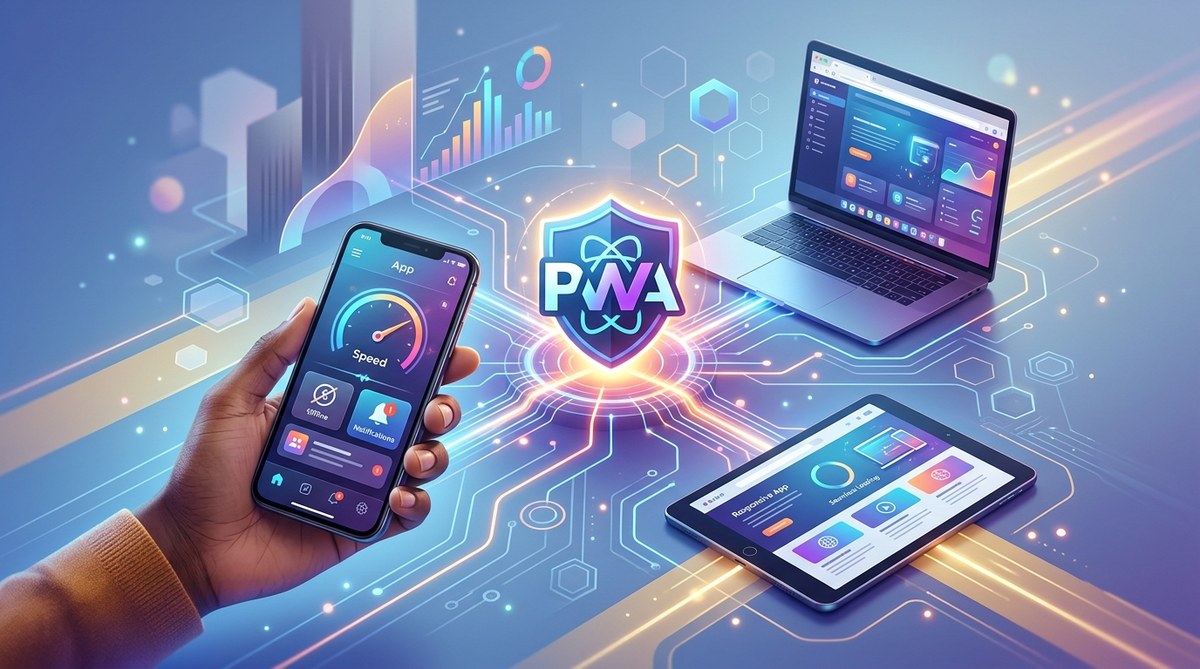
Web development is constantly evolving, and one of the most exciting advancements is the rise of progressive web apps. These innovative solutions blend the best parts of websites and native apps, offering users a seamless experience across devices. For developers, UX designers, and digital strategists, understanding how PWAs are changing the landscape can unlock new opportunities for engagement and growth.
Progressive web apps combine speed, reliability, and engaging features to redefine how users interact with web content. They offer offline access, fast load times, and native-like experiences, making them a game-changer for businesses and developers alike.
What exactly are progressive web apps and why do they matter?
Progressive web apps, or PWAs, are web applications that leverage modern browser capabilities to deliver experiences similar to native mobile apps. They are built using standard web technologies like HTML, CSS, and JavaScript but incorporate advanced features that improve performance and usability.
Unlike traditional websites, PWAs can work offline, send push notifications, and be installed directly on a user’s device without needing app stores. This means users get a faster, more reliable experience regardless of their network connection. For businesses, PWAs reduce development costs while expanding reach by functioning seamlessly on any device or browser.
How PWAs improve user interactions and satisfaction
PWAs transform the user experience in several key ways:
- Speed and responsiveness: They load quickly and respond instantly to user inputs, making interactions smooth.
- Offline access: Users can access content even without internet connectivity, which is crucial in areas with unreliable networks.
- App-like engagement: Features such as push notifications and home screen icons make PWAs feel like native apps.
- Cross-platform compatibility: They work across all devices and operating systems, removing the need for multiple app versions.
- Security: Built over HTTPS, PWAs ensure data protection and user privacy.
Steps to develop a powerful PWA
Creating a successful progressive web app involves a few essential steps:
- Assess your needs: Determine what features your users value most and how a PWA can enhance your website.
- Implement core features: Focus on a responsive design, service workers for offline functionality, and a web app manifest for installation.
- Test across devices: Ensure your PWA performs well on different browsers and screen sizes.
- Optimize performance: Use techniques such as lazy loading, caching strategies, and code splitting to improve speed.
- Launch and monitor: Deploy your PWA and track user engagement to refine features further.
Practical techniques for building PWAs
- Use a service worker to cache assets and enable offline use.
- Create a compelling web app manifest that defines icons and colors for installation.
- Ensure your site is served over HTTPS for security.
- Optimize images and scripts to reduce load times.
- Incorporate push notifications to boost user retention.
| Technique | Purpose | Common Mistakes |
|---|---|---|
| Service worker caching | Offline access | Forgetting to update cache |
| Web app manifest | App installation | Missing icons or incorrect paths |
| HTTPS enforcement | Security | Using insecure connections |
| Lazy loading | Speed up load times | Overusing it, causing delays |
| Push notifications | Engagement | Sending too many or irrelevant messages |
“The key to successful PWAs is focusing on the user experience. They should load fast, work offline, and feel as natural as native apps.” — Web expert
The impact of PWAs on user engagement and retention
PWAs are changing how users interact with websites. They offer a frictionless experience that keeps visitors engaged longer and encourages repeat visits. By combining speed, reliability, and engagement features, PWAs reduce bounce rates and increase conversion rates.
For example, e-commerce platforms using PWAs see significant improvements in mobile shopping metrics. Customers can browse, add items to cart, and complete purchases without delays or interruptions. The ability to access content offline also means users can continue their journey even in low-connectivity areas, making your site more accessible.
Real-world applications that showcase PWA potential
Many industries have adopted PWAs to better serve their users:
- E-commerce: Companies like Alibaba and Flipkart have reported increased conversions and faster load times.
- Media and publishing: News outlets can deliver content swiftly, even during high traffic or network issues.
- Travel and hospitality: Booking sites benefit from offline access and push notifications about flight updates or special offers.
- Education: Interactive learning platforms use PWAs to ensure students can access materials anytime, anywhere.
Common pitfalls to avoid when building PWAs
While PWAs offer many benefits, certain mistakes can hinder their effectiveness:
- Overcomplicating the user interface, which can slow down load times.
- Ignoring mobile-specific features or not testing on various devices.
- Failing to implement proper caching strategies, leading to outdated content.
- Not securing the site with HTTPS, risking security issues.
- Neglecting user feedback to refine features over time.
| Mistake | Consequence | Solution |
|---|---|---|
| Poor caching | Outdated content | Regular cache updates |
| No HTTPS | Security risk | Enforce HTTPS everywhere |
| Ignoring responsiveness | Bad user experience | Test on multiple devices |
| Overloading scripts | Slow load times | Minimize and optimize code |
| Missing push notifications | Lower engagement | Implement targeted notifications |
Wrapping up: making the most of progressive web apps
In the rapidly changing digital landscape, PWAs stand out as a flexible, efficient way to connect with users. They deliver fast, reliable experiences that keep visitors engaged and coming back. As web technologies continue to evolve, adopting PWAs can help you stay ahead of the curve and provide your audience with the best possible experience.
If you’re ready to start, consider evaluating your current website for PWA capabilities. Focus on core features like responsiveness, offline access, and security. Remember, building a successful PWA isn’t about adding bells and whistles but creating a seamless, engaging experience that users love.
By integrating progressive web apps into your digital strategy, you’re opening the door to higher engagement, better retention, and a more accessible online presence. Take the first step today, and watch your web interactions transform into meaningful, lasting connections.