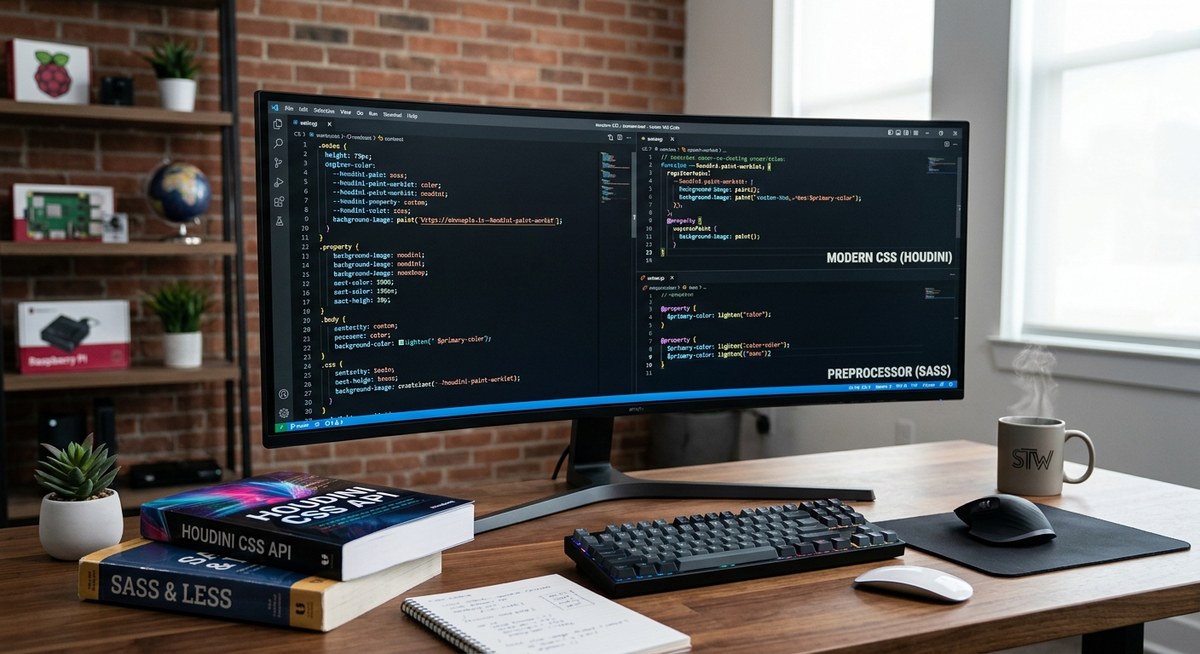
If you have wrestled with Sass for years, you know the dance. Write a variable, nest a selector, call a mixin, run the build step, and finally see your styles in the browser. That extra compile step has always felt like a tax on your time. Now the Houdini CSS API promises to let you do similar work directly in the browser, without a build tool. But is the promise real? Can you actually replace your Sass workflow with native browser APIs today?
Houdini CSS cannot fully replace Sass in 2026, but it covers several key use cases. CSS custom properties handle variables, and the Typed OM replaces some Sass math. Where Houdini falls short is nesting, mixins, and functions. Most teams use both: Sass for authoring convenience and Houdini for runtime performance. Expect a hybrid workflow for the foreseeable future.
The Promise of Houdini and the Comfort of Sass
Sass has been the go to preprocessor for over a decade. It gave us variables before CSS custom properties existed. It offered nesting when vanilla CSS required repeated selectors. Mixins and functions let us write reusable style logic. The cost was a build step that added complexity to every project.
Houdini, on the other hand, is a collection of low level browser APIs. It lets you hook into the CSS rendering engine itself. You can create custom properties with real types, write paint worklets that draw directly on elements, and animate layouts with the Layout API. All of this runs natively, with no compile step.
The big question for 2026 is whether these native APIs have matured enough to replace the tools you already know.
What Sass Does That Houdini Cannot Touch
Let us be honest about where Sass still dominates. Sass gives you authoring superpowers that Houdini simply does not replicate today. Here are the features that keep Sass in your toolchain.
Nesting and BEM Management
Sass nesting is a lifesaver for writing readable stylesheets. You write a parent selector once and nest everything underneath. Houdini has no equivalent. The CSS Nesting spec is making progress, but it is not part of the Houdini family. Browser support for native CSS Nesting is improving, but it still lacks the full power of Sass nesting, especially with the ampersand operator for advanced patterns like BEM.
Mixins and Functions
A Sass mixin lets you define a block of styles and reuse it anywhere. Functions let you compute values at compile time. Houdini has no mixin concept at all. The closest alternative is a custom property with a fallback, but that does not let you bundle multiple declarations. For reusable style blocks, you still need a preprocessor.
Loops and Conditionals
Sass supports @each, @for, @while, and @if statements. These are incredibly useful for generating utility classes, grid systems, or themed variations. Houdini offers nothing like this. JavaScript can replicate some of that logic at runtime, but it is not the same as having it in your stylesheet.
Where Houdini Shines in 2026
Despite those gaps, Houdini has matured enough to handle several tasks that used to require Sass. Let us walk through the areas where Houdini can already replace a preprocessor.
CSS Custom Properties versus Sass Variables
Sass variables are compile time only. Once compiled, they become static values. CSS custom properties are live, cascading, and can be updated with JavaScript. Houdini extends this with the Properties and Values API, which lets you register custom properties with a syntax type, an initial value, and even inheritance rules.
@property --brand-color {
  syntax: '<color>';
  initial-value: #3366cc;
  inherits: true;
}
This means you can define a typed custom property that the browser understands natively. No Sass variable needed. For most use cases, custom properties are now more flexible than Sass variables.
Typed OM versus Sass Math
The CSS Typed Object Model lets you work with CSS values as typed JavaScript objects. You can add lengths, multiply numbers, and convert units without string manipulation. Sass math has always been a compile time feature. Typed OM gives you similar math capabilities at runtime.
const el = document.querySelector('.box');
const width = el.attributeStyleMap.get('width');
const newWidth = CSS.px(width.value * 2);
el.attributeStyleMap.set('width', newWidth);
This is not a direct replacement for every Sass math use case, but it covers a lot of ground. If you need to calculate sizes based on viewport or user interaction, Typed OM is more powerful than Sass.
Paint Worklets versus Sass Mixins for Visual Effects
Sass mixins are great for reusable style blocks, but they cannot generate images or patterns. Houdini Paint API can. You can write a paint worklet that draws a gradient, a pattern, or a custom border on any element.
// checkerboard.js
registerPaint('checkerboard', class {
  paint(ctx, geom, properties) {
    const size = 20;
    for (let x = 0; x < geom.width; x += size) {
      for (let y = 0; y < geom.height; y += size) {
        ctx.fillStyle = (x + y) % 2 === 0 ? '#fff' : '#333';
        ctx.fillRect(x, y, size, size);
      }
    }
  }
});
Then use it in CSS:
.element {
  background: paint(checkerboard);
}
No Sass mixin can do that. This is a case where Houdini goes beyond what a preprocessor offers.
Practical Comparison Table
| Feature | Sass (Preprocessor) | Houdini (Native APIs) | Winner for 2026 |
|---|---|---|---|
| Variables with type safety | Compile time only, no types | Registered custom properties with syntax | Houdini |
| Nesting selectors | Full nesting with & |
CSS Nesting spec (limited) | Sass |
| Mixins for style blocks | @mixin and @include |
No equivalent | Sass |
| Functions for computed values | @function at compile time |
Typed OM at runtime | Tie |
| Loops and conditionals | @each, @for, @if |
Not available | Sass |
| Custom paint / draw effects | Not possible | Paint Worklet API | Houdini |
| Layout control | Not possible | Layout Worklet API | Houdini |
| Build step required | Yes (Dart Sass, Node Sass) | No (native browser) | Houdini |
| Browser support | Universal (after compile) | Chrome, Edge, partially others | Sass |
The table makes it clear: Sass still wins for authoring convenience, while Houdini wins for runtime power and eliminating build steps.
A Step by Step Process to Start Using Houdini Today
If you want to experiment with replacing parts of your Sass workflow, follow this process.
-
Audit your current Sass usage. Look at every variable, mixin, function, and loop in your project. Group them into three categories: things that manage colors and spacing, things that generate utility classes, and things that handle visual effects.
-
Replace Sass variables with registered custom properties. Start with your color palette, spacing scale, and typography values. Use the
@propertyrule to give them types. This works in Chrome, Edge, and Opera right now. Firefox support is behind but improving. -
Replace simple math with Typed OM. Look for places where you calculate widths, heights, or positions based on other values. Move those calculations to JavaScript using
CSS.px(),CSS.percent(), and arithmetic onCSSUnitValueobjects. -
Replace static mixins with CSS classes. This one hurts, but it works. Instead of a Sass mixin that generates styles, create a utility class and apply it in your HTML. The difference is that you lose the ability to pass parameters. For parameterized mixins, keep using Sass.
-
Replace visual effect mixins with paint worklets. If you have mixins that generate gradients, patterns, or decorative backgrounds, move them to the Paint API. This gives you more flexibility and better performance.
“The best strategy for 2026 is not to replace Sass entirely, but to let Houdini handle the parts that benefit from runtime flexibility. Keep Sass for authoring conveniences like nesting and loops.” * Surma, Web Advocate at Google
What You Lose and What You Gain
Every migration involves trade offs. Let us be clear about what you give up and what you get.
- You lose compile time safety. With Sass, errors show up during build. With Houdini, errors show up at runtime in the browser. You need better testing practices.
- You gain browser native performance. Houdini worklets run on the compositor thread, not the main thread. This means smoother animations and less jank.
- You lose cross browser consistency. Houdini is fully supported in Chromium browsers. Firefox and Safari are still catching up. If you need to support those browsers, you will need fallbacks.
- You gain the ability to update styles dynamically. With registered custom properties and Typed OM, you can change any style value with JavaScript and the browser handles the rest. No need to recompile Sass.
Common Mistakes When Migrating
Developers who try to replace Sass with Houdini often make the same errors.
- Trying to replace everything at once. The result is a broken build and a frustrated team. Migrate feature by feature.
- Assuming browser support is universal. Check caniuse.com before shipping any Houdini feature to production.
- Forgetting that Houdini requires HTTPS. Worklets do not load over insecure connections in most browsers.
- Overusing the Paint API for simple backgrounds. A simple CSS gradient is still faster and easier than a paint worklet. Use Houdini when you need dynamic or complex drawing.
The Hybrid Workflow That Works in 2026
The most pragmatic approach for front end teams is a hybrid workflow. You keep Sass in your build pipeline for the features it does best: nesting, mixins, loops, and organizing large stylesheets. You add Houdini for the features that benefit from runtime access: typed custom properties, dynamic paint effects, and responsive layout adjustments.
This combination gives you the best of both worlds. Your development experience stays smooth with Sass authoring tools. Your production performance improves because Houdini worklets run natively. Over time, as browser support widens, you can shift more weight from Sass to Houdini.
If you are exploring broader front end patterns, take a look at our guide on master modern web animations with CSS and JavaScript techniques to see how Houdini fits into a larger animation strategy. For a look at the full landscape of tools available today, our list of 10 essential web APIs every developer should know in 2026 gives you the whole picture.
The Future of Authoring Styles Without a Build Step
The direction of the web platform is clear. Browser vendors are building the features that used to require preprocessors. CSS custom properties replaced Sass variables. The color-mix() function replaces some color manipulation Sass functions. CSS Nesting, while not part of Houdini, is moving toward standardization.
Houdini represents the next layer of that evolution. It does not replace Sass today, but it reduces the reasons you need it. Five years from now, the balance may look very different. For now, the smart move is to learn Houdini, use it where it helps, and keep Sass for the parts that still need a preprocessor.
Start small. Pick one project and replace your Sass color variables with registered custom properties. See how it feels. Then add a paint worklet for a decorative element. Build confidence with each step. Before long, you will have a clear sense of when to reach for Sass and when to let Houdini handle things natively.
The journey from preprocessors to native browser APIs is not a switch you flip. It is a gradual migration, and 2026 is the perfect year to begin.