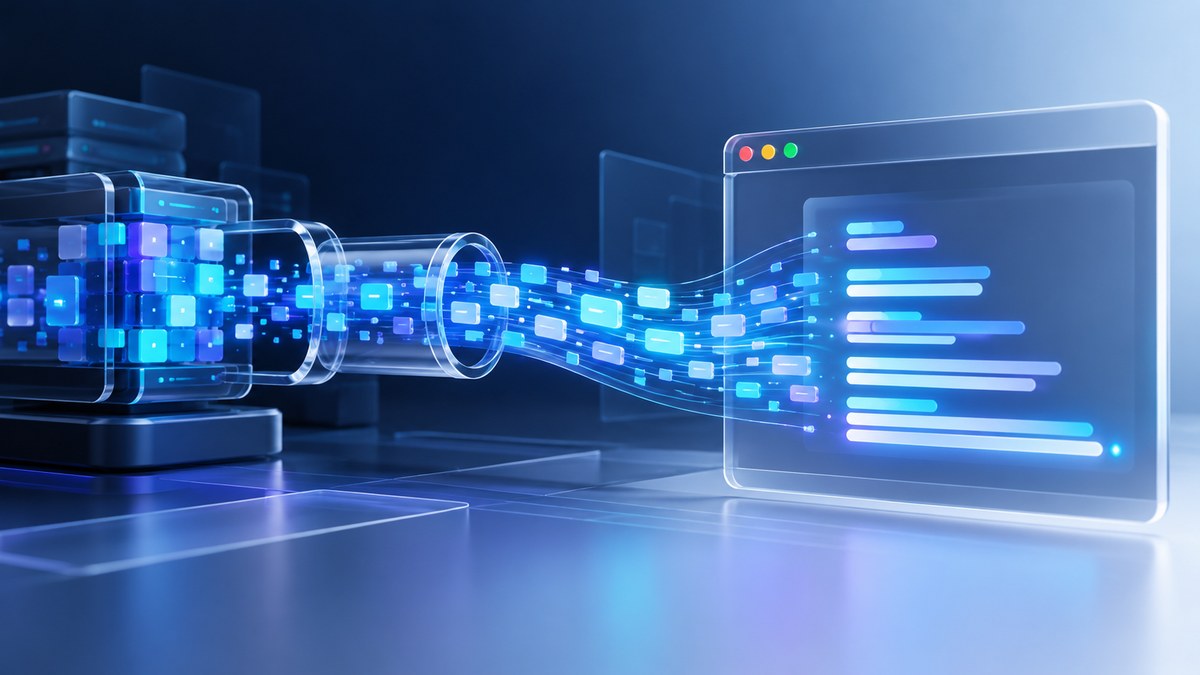
When a user sends a prompt to a large language model, waiting for the full response feels like watching paint dry. You type a question, hit enter, and then stare at a blank screen while the model thinks. That delay can make even the smartest AI feel sluggish. But there is a better way. By using JavaScript’s ReadableStream API, you can pipe tokens from the LLM directly into the browser as they are generated. The user sees text appear word by word, just like a human typing. This technique turns a static wait into a live, engaging experience. It also makes your app feel faster, even if the total generation time stays the same.
Streaming LLM output with ReadableStream transforms a slow API call into a real-time user experience. You build a readable stream on the server, fetch it in the browser, and read chunks as they arrive. This guide covers the full pipeline: server setup, client consumption, error handling, and practical tips for a smooth, human-like typing effect.
Why Stream LLM Output Instead of Waiting
Traditional API calls for language models return the entire response as one blob. If the model takes five seconds to generate a paragraph, the user sits in silence for those five seconds. Then the text appears all at once. This pattern feels broken. Users have come to expect instant feedback from chatbots and AI assistants.
Streaming solves this. The server sends each token (or small group of tokens) as soon as it is produced. The browser reads these chunks from a ReadableStream and renders them immediately. The user sees the first words within milliseconds, and the rest flows in naturally. This matches the mental model of a conversation. It also lets you show a typing indicator or a blinking cursor, which keeps the user engaged.
From a technical standpoint, the ReadableStream API is a native JavaScript object that represents a source of data you can read piece by piece. It is part of the Fetch API and works seamlessly with HTTP responses. When you make a request to a streaming endpoint, the response body is already a ReadableStream. You just need to know how to consume it.
Setting Up a Streaming Endpoint for Your LLM
Before you can stream in the browser, your backend needs to send data in chunks. Most modern LLM providers support streaming natively. OpenAI, Anthropic, and open-source models running on platforms like Hugging Face all offer streaming modes. The server sends a series of JSON objects, one per line, each containing a token.
Here is a minimal Node.js example using Express. This endpoint simulates an LLM by streaming a sentence word by word.
const express = require('express');
const app = express();

app.get('/stream', (req, res) => {
  res.setHeader('Content-Type', 'text/event-stream');
  res.setHeader('Cache-Control', 'no-cache');
  res.setHeader('Connection', 'keep-alive');

  const words = ['Hello', 'from', 'the', 'streaming', 'LLM', 'endpoint'];
  let index = 0;

  const interval = setInterval(() => {
    if (index < words.length) {
      res.write(`data: ${JSON.stringify({ token: words[index] })}\n\n`);
      index++;
    } else {
      res.write('data: [DONE]\n\n');
      clearInterval(interval);
      res.end();
    }
  }, 200);
});

app.listen(3000);
In production, you would replace the word array with actual tokens from your model. The key is to flush each chunk to the response stream immediately. Do not buffer the entire output.
Consuming the Stream in the Browser with ReadableStream
On the frontend, you call fetch and then read the response body as a ReadableStream. The response.body property is already a ReadableStream if the server sent a streaming response. You call getReader() on it to start reading.
Here is a step by step process:
- Call
fetch()on your streaming endpoint. - Get the reader from
response.body.getReader(). - Create a loop that calls
reader.read()repeatedly. - Decode each chunk and append it to your UI.
- Stop when
doneis true.
Here is the code that matches the server example above:
async function streamLLM() {
  const response = await fetch('/stream');
  const reader = response.body.getReader();
  const decoder = new TextDecoder();
  let result = '';

  while (true) {
    const { done, value } = await reader.read();
    if (done) break;

    const text = decoder.decode(value, { stream: true });
    const lines = text.split('\n');

    for (const line of lines) {
      if (line.startsWith('data: ')) {
        const payload = line.slice(6);
        if (payload === '[DONE]') continue;
        try {
          const parsed = JSON.parse(payload);
          result += parsed.token;
          document.getElementById('output').textContent = result;
        } catch (e) {
          // skip partial lines
        }
      }
    }
  }
}
The TextDecoder handles UTF-8 encoding. The { stream: true } flag tells it to keep partial bytes between chunks. This prevents garbled characters when a multi-byte character is split across two chunks.
Handling Errors and Edge Cases
Streaming adds complexity. The connection could drop mid-stream. The model might return an error token. You need to handle these gracefully.
| Scenario | What happens | How to handle it |
|---|---|---|
| Network timeout | Reader throws an error | Wrap the loop in try/catch and show a retry button |
| Server sends error | Error object inside data stream | Parse the payload and display a user-friendly message |
| Partial UTF-8 character | Decoder produces replacement character | Use TextDecoder with stream: true |
| User navigates away | Stream keeps running | Cancel the reader with reader.cancel() |
| Reader gets stuck | No data for a long time | Set a timeout using Promise.race with a delay |
A common mistake is to assume every chunk contains a complete JSON object. Always parse line by line, and handle the case where a chunk ends mid-line. The code above splits on newlines, which is robust for server-sent events.
Building a Typing Effect with Streamed Tokens
The raw stream gives you tokens. But users expect a smooth typing experience. You can control the display speed to mimic human typing. This is especially useful when tokens arrive faster than the eye can read.
Here is a bulleted list of techniques to polish the output:
- Buffer incoming tokens and release them at a steady rate using a timer.
- Show a blinking cursor at the end of the text while the stream is active.
- Use CSS transitions on the text container to avoid jarring jumps.
- Add a slight delay before showing the first token to simulate thinking.
- Let the user adjust the speed with a slider.
For a more advanced approach, you can accumulate tokens in a queue and use setInterval to flush them to the DOM every 30 milliseconds. This prevents the UI from updating on every single token, which can cause flickering.
Common Mistakes When Streaming LLM Output
Even experienced developers trip up on a few patterns. Here is a table of the most frequent mistakes and how to avoid them.
| Mistake | Why it is bad | The fix |
|---|---|---|
| Buffering the entire stream before rendering | Kills the real-time benefit | Render each chunk as soon as it is decoded |
Ignoring TextDecoder options |
Garbled characters on multi-byte boundaries | Always pass { stream: true } |
Not handling [DONE] signals |
Stream hangs or never closes | Check for the sentinel value and break the loop |
Using response.json() instead of response.body |
Blocks until the full body is received | Use response.body.getReader() directly |
| Forgetting to cancel the reader | Memory leak if the user aborts | Call reader.cancel() on page unload or abort |
Expert advice: Always test your streaming code with a slow network simulator. Use tools like Charles Proxy or the built-in network throttling in Chrome DevTools. A stream that works perfectly on localhost may fail when the user has a spotty mobile connection. Simulate packet loss and high latency to find edge cases before your users do.
Performance Considerations for Real-Time Streaming
Streaming LLM output is IO bound, not CPU bound. The browser spends most of its time waiting for network data. But there are still performance traps.
First, avoid heavy DOM manipulation on every token. Updating textContent on a paragraph element is fine. Appending to a rich text editor or updating a complex component might cause lag. If you need syntax highlighting or markdown rendering, consider batching updates every 100 milliseconds.
Second, use a single reader per stream. Do not create multiple readers on the same response body. The ReadableStream spec allows only one active reader at a time.
Third, be mindful of memory. If the user scrolls away or closes the tab, the stream keeps running on the server unless you cancel the reader. Attach an event listener to the beforeunload event and call reader.cancel().
For more on modern JavaScript techniques, check out how to optimize web performance with modern JavaScript techniques. It covers patterns that complement streaming, like async iterators and lazy loading.
Integrating with Popular LLM Providers
Each provider has a slightly different streaming format. Here is a quick overview.
OpenAI uses server-sent events with data: {...} lines. The final line is data: [DONE]. Each JSON object contains a choices array with a delta object holding the token.
Anthropic uses a similar SSE format but with a different structure. The content_block_delta event carries the text. You need to parse the event type before extracting the token.
For open-source models running on a custom server, you can define your own protocol. The simplest approach is to send newline-delimited JSON. Each line is a complete JSON object with a token field. End the stream with a line containing {"done": true}.
No matter which provider you use, the browser code stays mostly the same. You only need to adjust the parsing logic to match the event format.
When Not to Stream
Streaming is not always the right choice. If your LLM response is very short (under 50 characters), the overhead of setting up a stream may not be worth it. A simple fetch is faster and simpler.
Also, if you need to process the full response before showing it (for example, to run a safety filter or to translate it), streaming adds complexity without benefit. In that case, wait for the complete response, process it, and then display it all at once.
Finally, some users may find streaming distracting. Offer a toggle to switch between streaming and non-streaming modes. Let the user choose.
Putting It All Together in a Real App
Let us walk through a complete example. You have a chat interface. The user types a message and hits send. The app sends a POST request to your backend, which forwards it to the LLM with streaming enabled. The backend streams tokens back as SSE. The frontend reads the stream and updates the chat bubble in real time.
Here is the numbered process:
- User submits a message via a form.
- Frontend sends a POST fetch to
/api/chatwith the message in the body. - Backend receives the message and calls the LLM API with
stream: true. - Backend writes each token to the response as an SSE event.
- Frontend calls
response.body.getReader()and loops over chunks. - Each token is decoded, parsed, and appended to the current chat bubble.
- When
[DONE]is received, the bubble is finalized and a new input is enabled.
For a more complete frontend framework discussion, see top trends in front-end frameworks for 2026. Many frameworks now include built-in helpers for streaming responses.
The Future of Browser-Based LLM Streaming
The ReadableStream API is already stable and widely supported. But the ecosystem around it is growing. New tools like the Web Streams API and async generators make the code even cleaner. In 2026, you can use for await loops directly on readable streams if you wrap them in an async iterable.
Browser vendors are also working on better support for server-sent events natively. The EventSource API is simpler for SSE, but it does not give you low-level control over the stream. ReadableStream remains the most flexible option.
If you are building a product that relies on real-time AI, invest in streaming now. It is not a nice to have. It is a core part of the user experience. Users expect apps to feel alive. Streaming delivers that.
Your Next Steps with ReadableStream and LLMs
You have the code, the patterns, and the pitfalls. Now it is time to build. Start by adding a streaming endpoint to your existing LLM integration. Then update your frontend to use response.body.getReader(). Test with a slow network. Polish the typing effect. Add error handling. Then ship it.
Your users will notice the difference. The first time they see text appear as the model thinks, they will understand why streaming matters. It is the difference between a tool and a conversation.
For a deeper look at the specific implementation on speaktheweb.org, read the full guide on streaming language model output in the browser using ReadableStream. It includes a complete walkthrough with downloadable code examples.